Training portal
Building expertise through best practices.
Operator Training
Assisted Docking

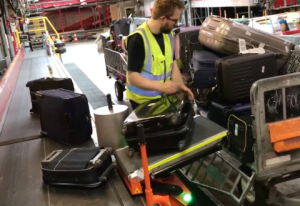
1. Assisted Docking System
Provides an overview of how the Assisted Docking System works during aircraft positioning.

2. All four lamps are turned off
Explains what it means when all LED lamps are turned off during assisted docking.
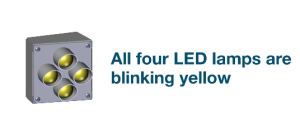
3. All four LED lamps are blinking yellow
Explains what blinking yellow LEDs indicate during assisted docking.
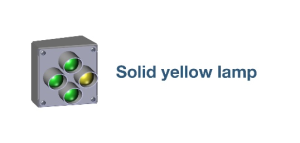
4. Solid yellow lamp
Explains what a solid yellow LED lamp indicates during assisted docking.
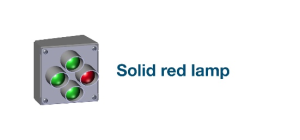
5. Solid red lamp
Explains what a solid red LED lamp indicates and when docking must be stopped.
6. Spinning red LED lamps
Explains what spinning red LED lamps indicate and the required operator actions.
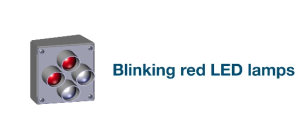
7. Blinking red LED lamps
Explains what blinking red LED lamps indicate and how the operator should respond.